
Product journey
How SalesFox works
Set up your organization on the web. Trainers build Situations and assign Drills or Self-Training. Reps practise by voice on their phones. You coach from the reactions.
- 01
Set up your organization
Your company account is provisioned with branches and seats. Org admins invite the people who will run SalesFox: admins and users.
Invitations and org structure live in the web app. Branches, roles, and groups make it clear who belongs where.
- Organizations with branches
- Admin seats on the web
- User seats ready for mobile practice
Illustrative sample · not live data
- 02
Log in where your role belongs
Org and branch admins sign in on the web. Learners practise in the mobile apps — not the web console.
Web is for configuration and coaching. Learner accounts are directed to the mobile practice experience.
- Org admin → organization panel
- Branch admin → branch panel
- Trainers / coaches → web content & review
- Reps → iOS or Android practice app
Illustrative sample · not live data
- 03
Add people and groups
Invite users, organize them into groups, and decide who receives which Drills, Courses, and Self-Training.
Org and branch admins manage people. Content owners focus on Situations and review once learners are linked.
- Invite users to orgs and branches
- Group members for assignment
- Keep seats tidy as the team grows
Illustrative sample · not live data
- 04
Build Situations and Courses
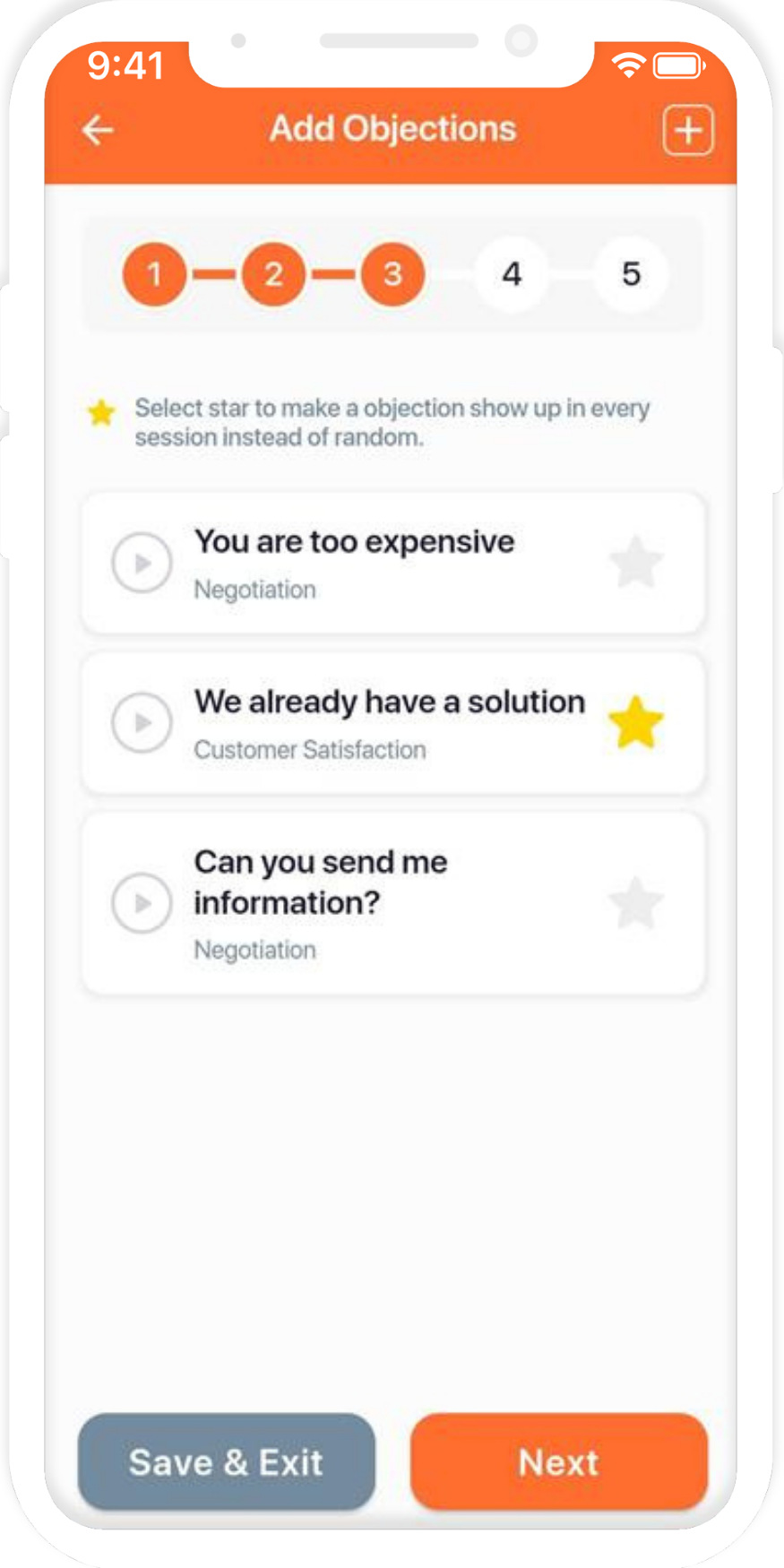
Create the Situations library: field wording as audio, solution notes, categories, and optional templates. Attach Situations to Courses and Drills.
Create content manually, with AI assistance, or from PDF upload. You own the wording and the scoring bar.
- Situations with audio and solution notes
- Courses with topics and linked Situations
- Assign to members or groups
- 05
Reps practise on mobile
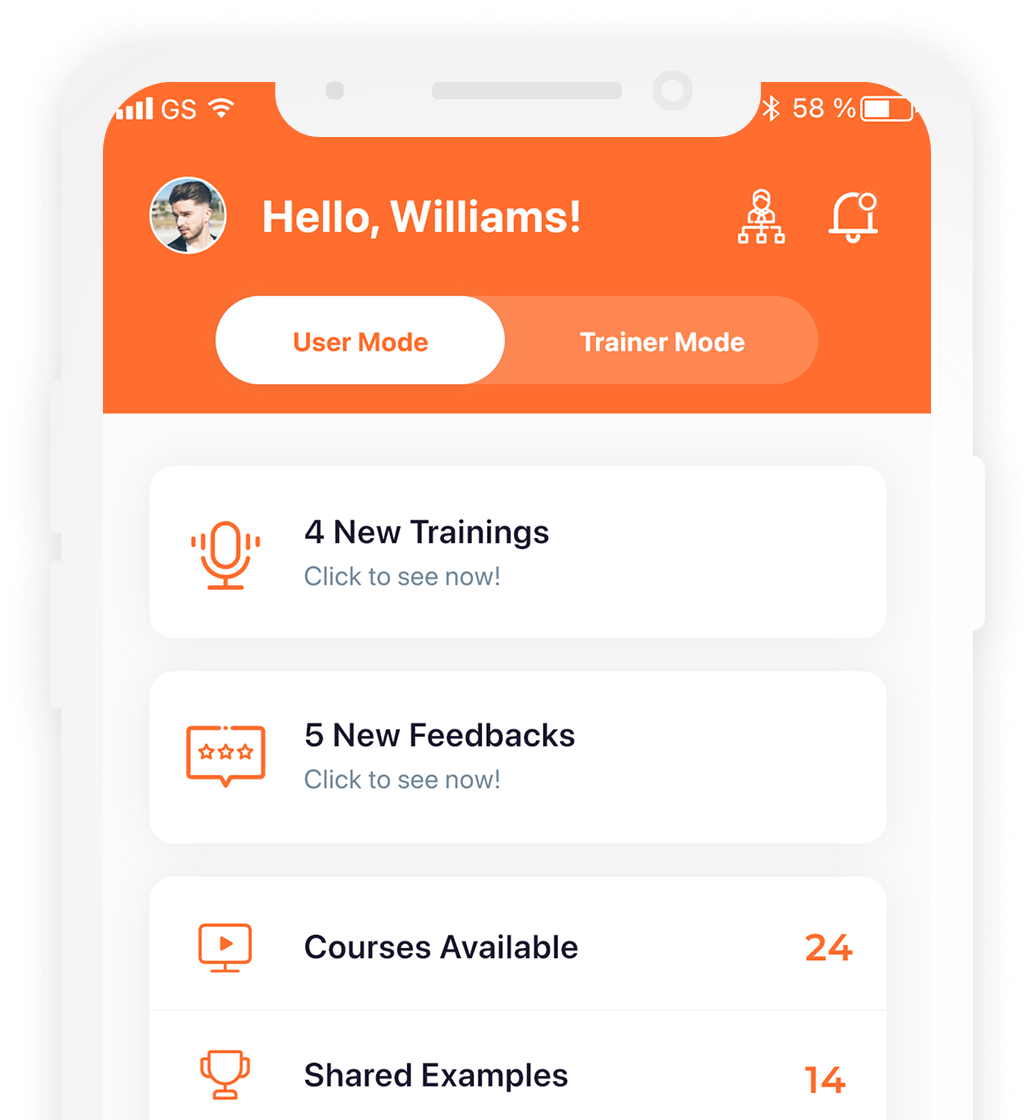
Learners open a Drill or Self-Training session on their phone, hear the Situation, and answer out loud — short voice practice between live coaching.
Drills run on a schedule (weekly and longer intervals). Self-Training covers Objection Drilling, Gatekeeper, Cold Call, Retail, Inbound Telesales, and Retention.
- Scheduled Drills with week-day cadence
- Self-Training modes on demand
- iOS and Android for reps
- 06
Review reactions and share examples
Reactions land for review. AI can first-pass score against your standard (immediately, delayed, or off). You listen back, comment, override, and share strong answers to groups.
Human judgment stays in charge. Shared examples spread what “good” sounds like across the team.
- AI first-pass against your standard
- Trainer review, comments, and override
- Shared examples to groups
Illustrative sample · not live data
- 07
See readiness on dashboards
Dashboards and leaderboards show who is practising, how scores move, and which Situations still hurt. Leaders get progress by member, group, or branch.
Reports support the conversations you already run with managers and trainers.
- Scores and drill activity at a glance
- Leaderboards for motivation
- Progress by member, group, or branch
Illustrative sample · not live data
Who uses what
Three seats. One practice loop.
Web for structure and coaching. Mobile for the daily Drill and Self-Training.
Web
Org & branch admins
Branches, people, groups, activity, and dashboards. You keep the org ready so trainers and reps can work.
Web
Trainers & coaches
Situations, Drills, Courses, Self-Training assignment, and reaction review. You set the standard; AI helps with first-pass volume.
Mobile
Reps & learners
Voice Drills and Self-Training on real Situations. Feedback comes back against your trainer’s standard.
Ready to put SalesFox in your coaching loop?
See the Drill, walk the dashboards, and map seats to your org.